 TypeMondo
Touch typing for kids, one planet at a time
TypeMondo is a space adventure for Mac that teaches children aged 6 to 12 to touch type with all ten fingers, key by key, from the home row to whole sentences.
Coming soon to the Mac App Store- First 20 levels free, no time limit
- One purchase unlocks the rest, no subscription
- No ads, no TypeMondo account
How it teaches
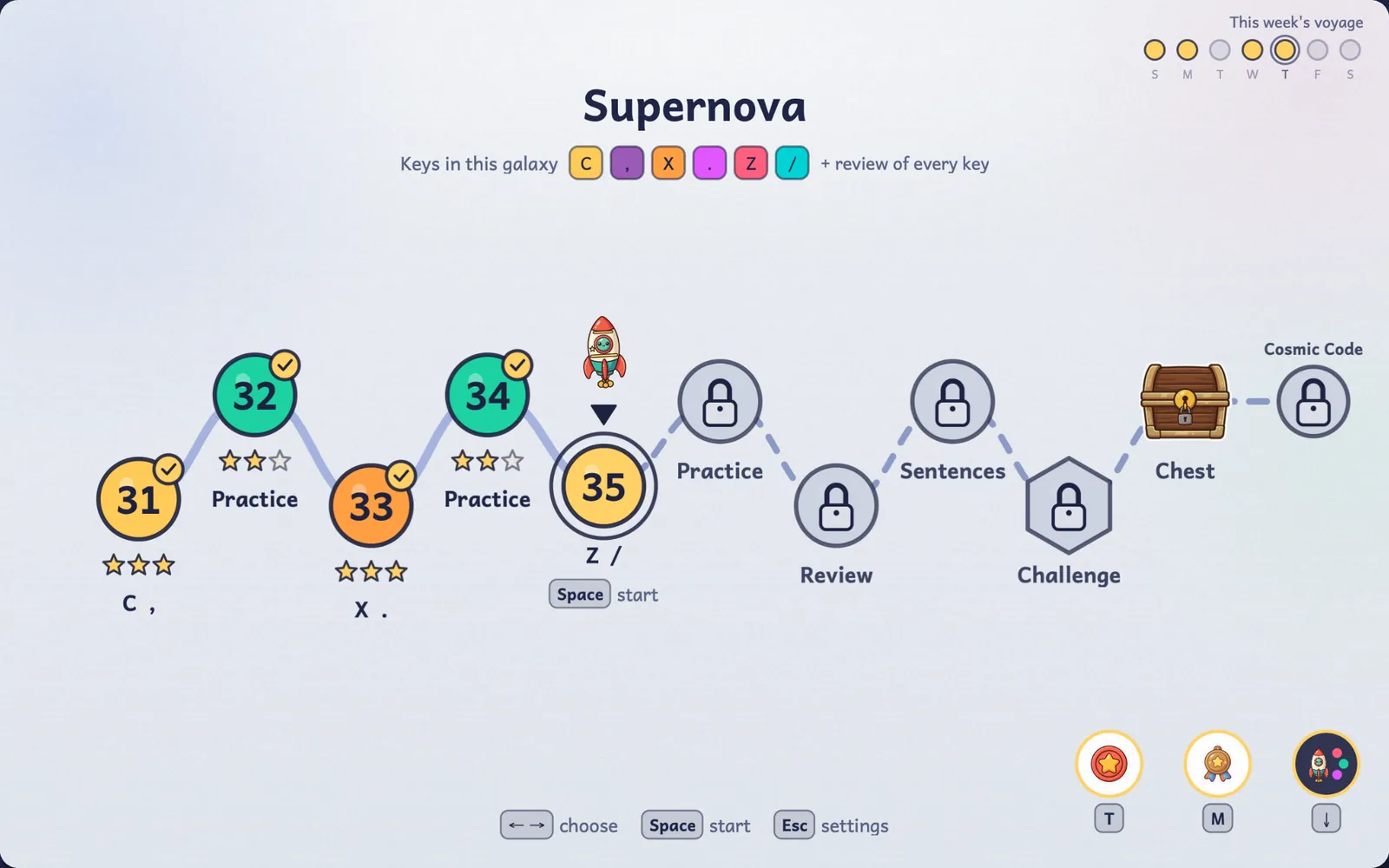
Each level is a planet. Children learn a few keys at a time, with the right finger from the start.
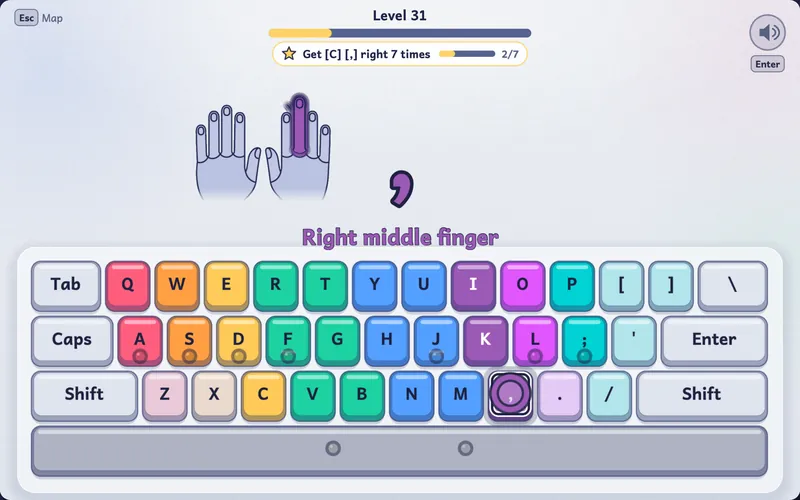
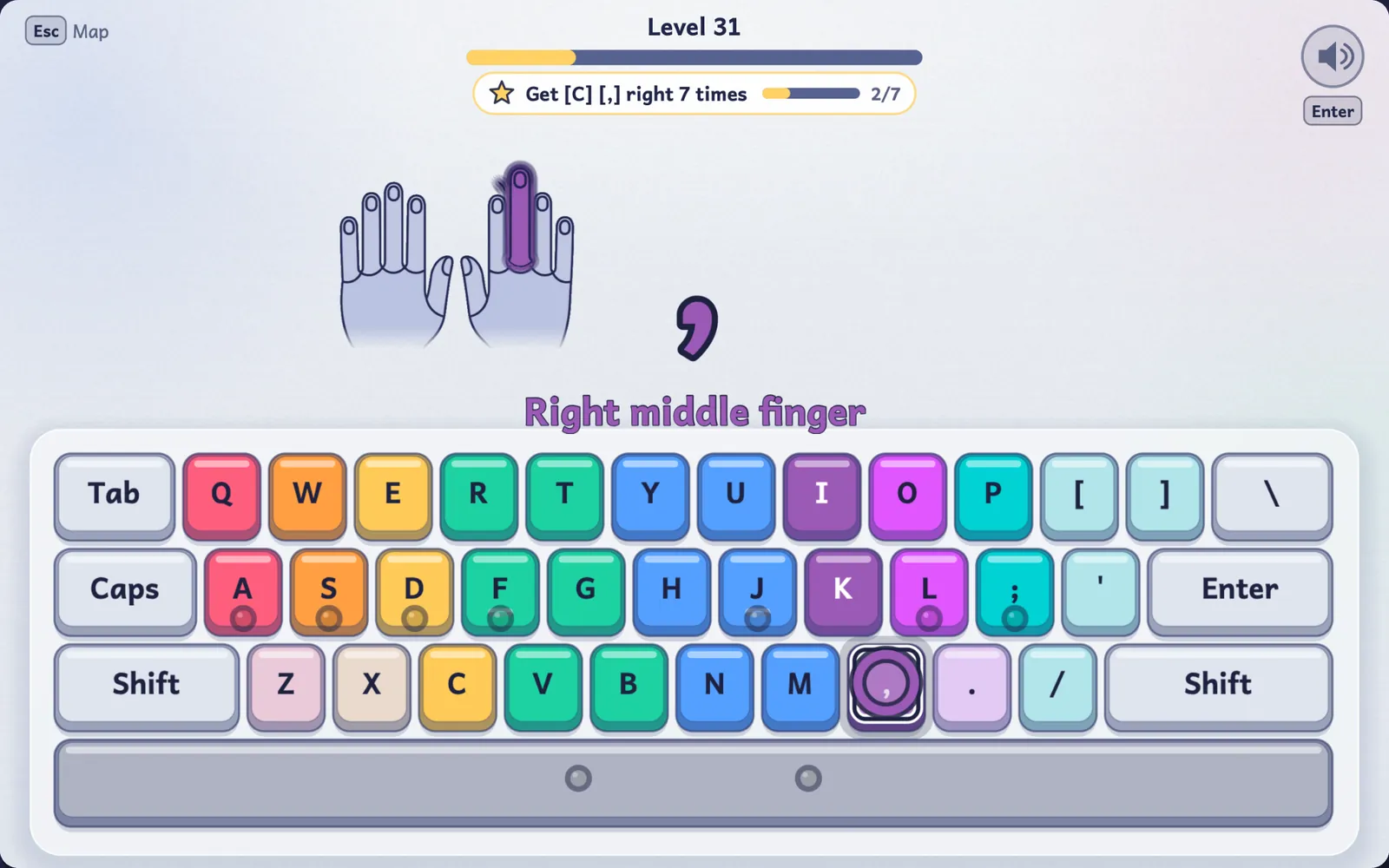
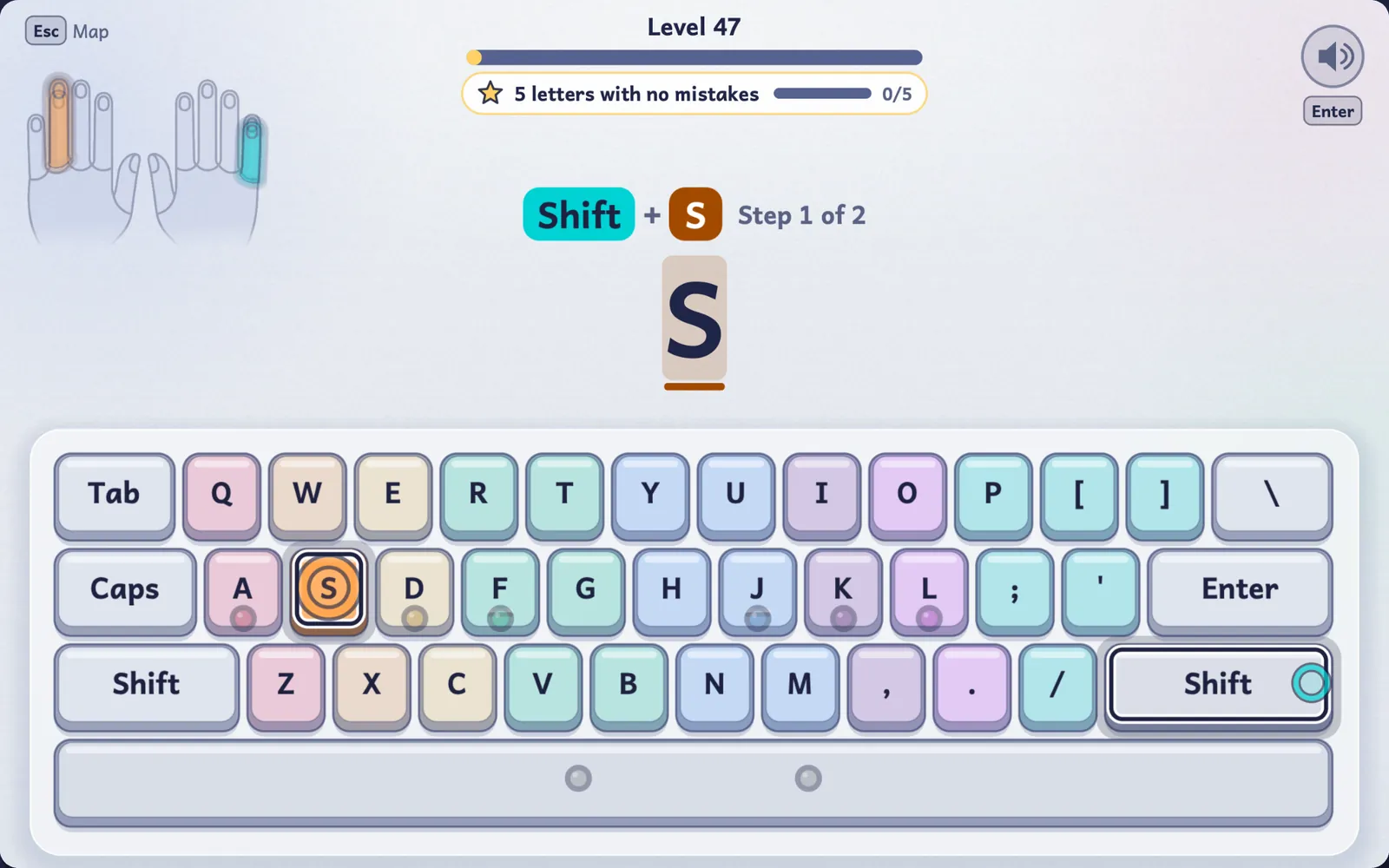
See which finger to use
An on-screen keyboard and hands show which finger presses each key. As a key becomes familiar, the hints fade.
A voice that coaches
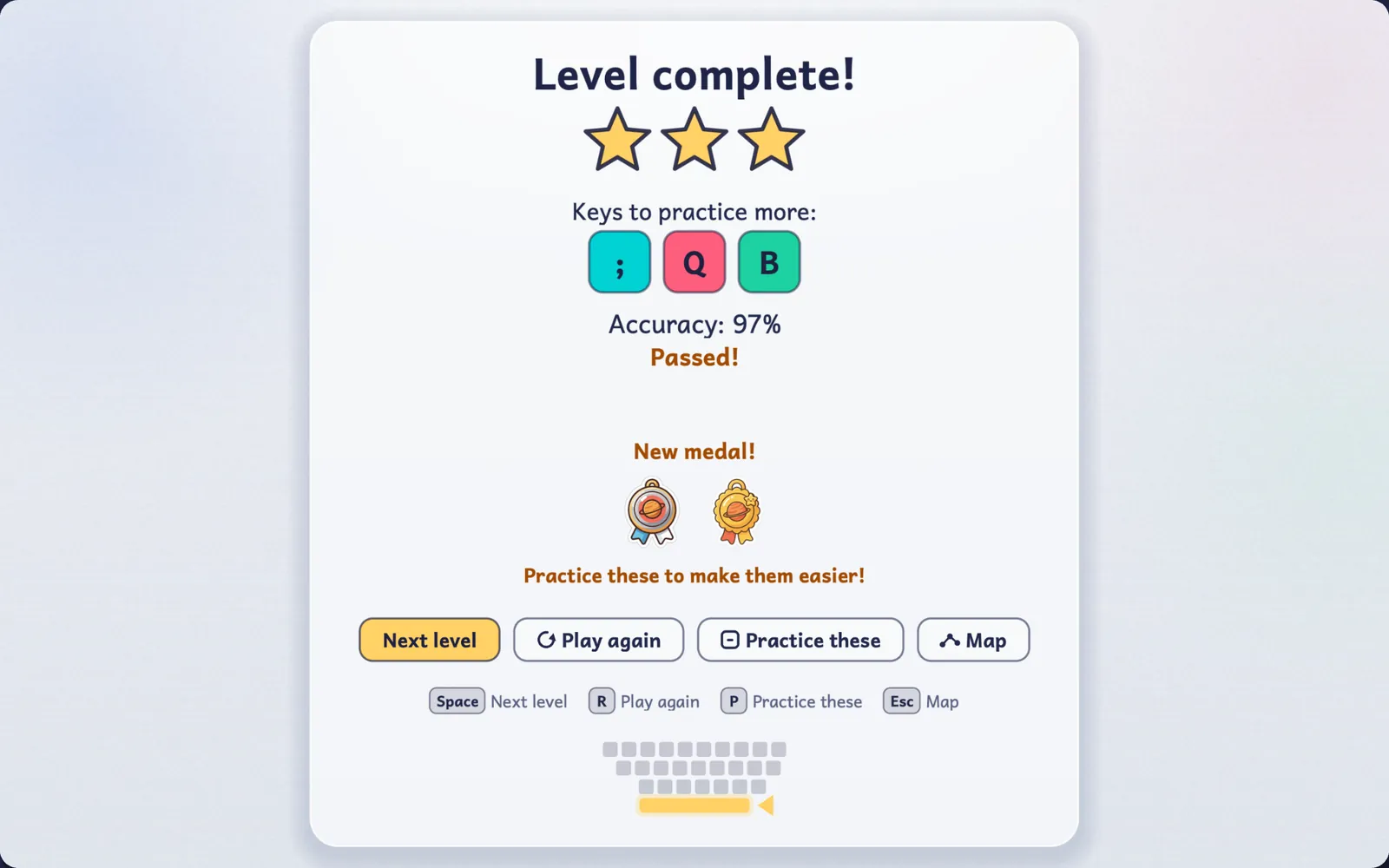
The first time a key comes up in a level, a friendly voice says its name and the finger to use, and it cheers on the results screen. Menus and voice coaching come in 8 languages.
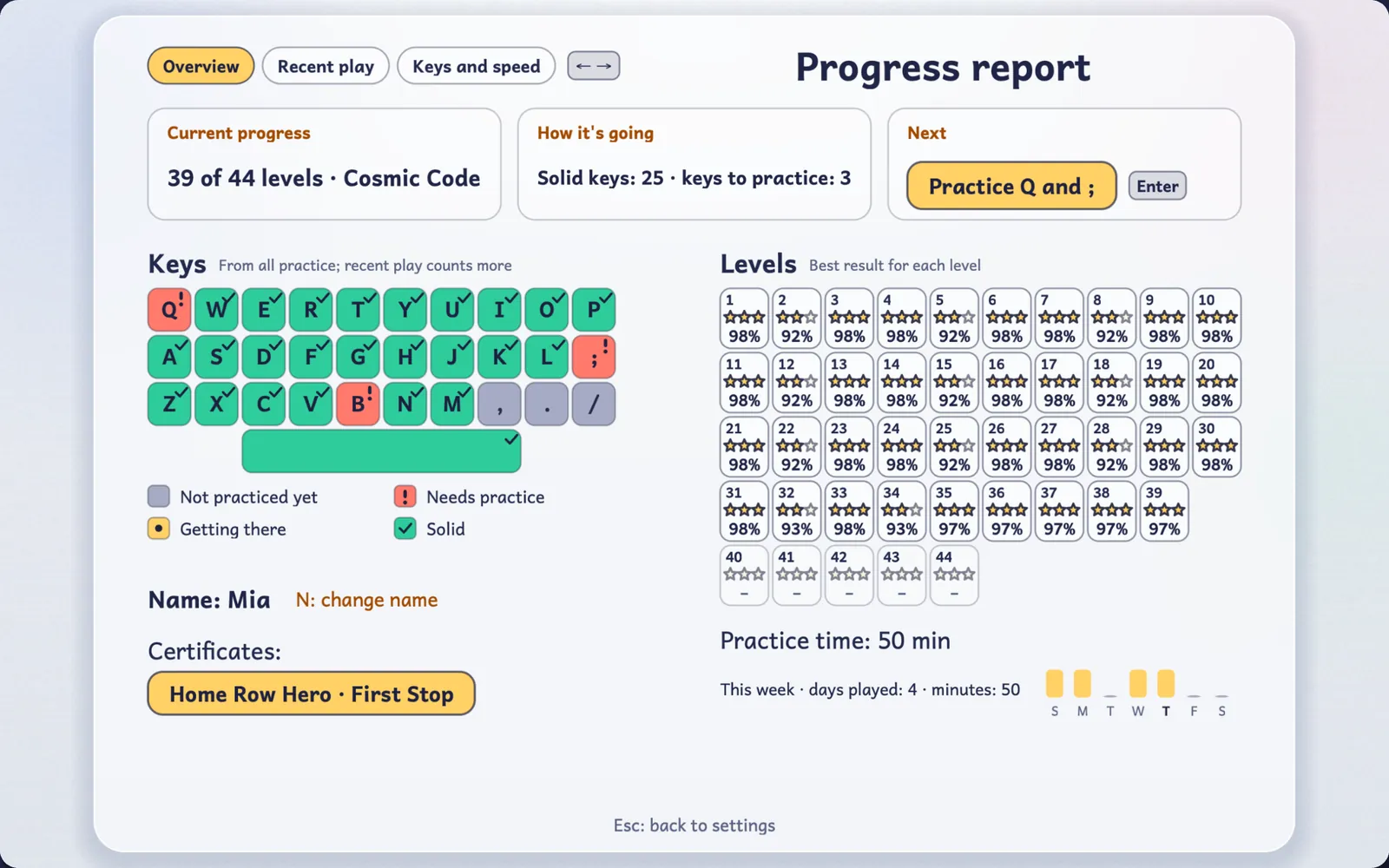
Stars for accuracy, never for speed
Stars count how accurately a level was typed. Every finished level earns at least one star.
78 levels in nine galaxies
The home row first, then every letter, capitals, numbers, punctuation, words and whole sentences.
Seven language tracks
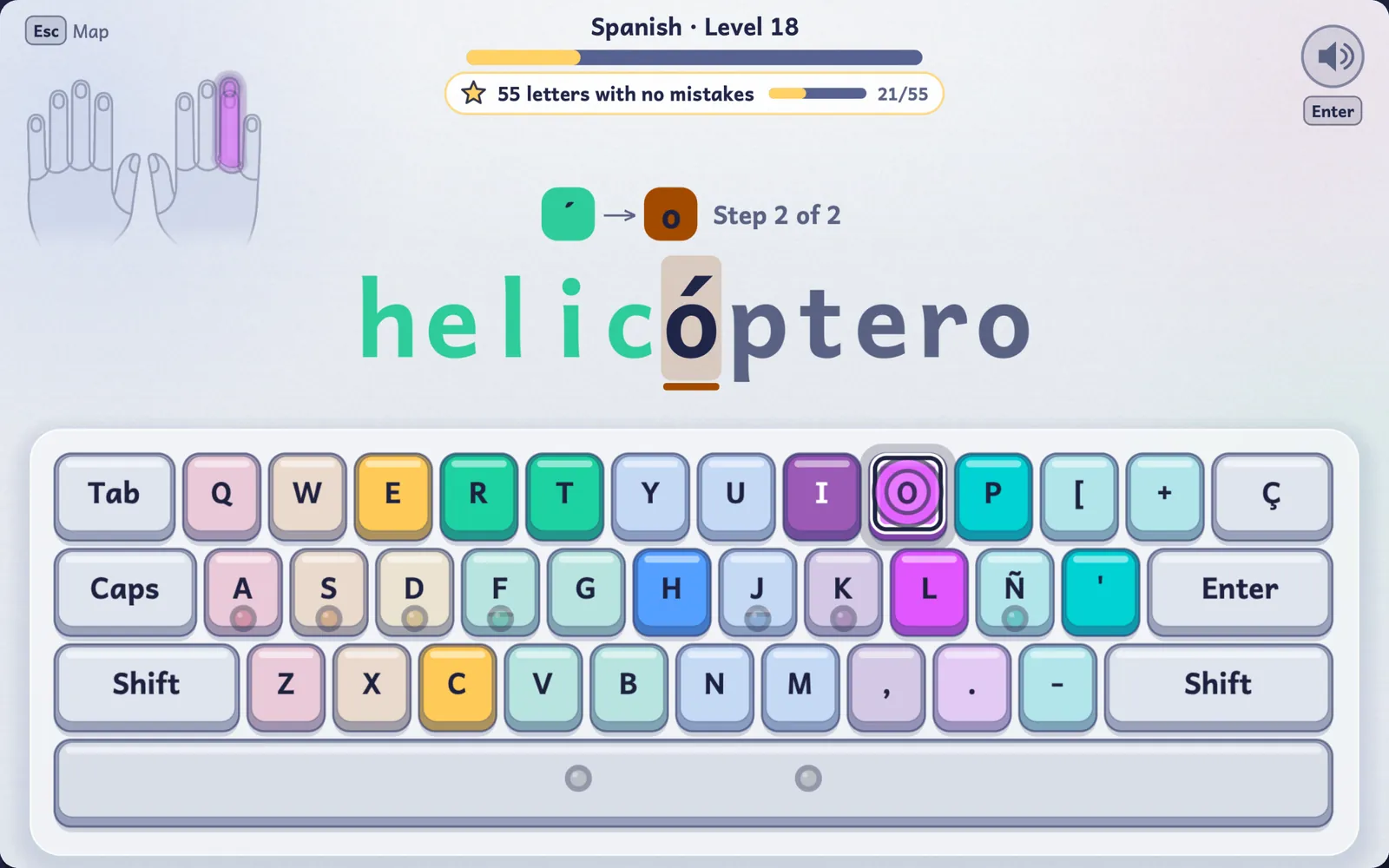
Once all the letters are learned, 35 levels each of words and sentences in English, Chinese pinyin, Japanese romaji, Spanish, French, German and Korean.
Works with your keyboard
TypeMondo uses the keyboard layout your Mac is set to: QWERTY, QWERTZ, AZERTY and others.
Something to collect
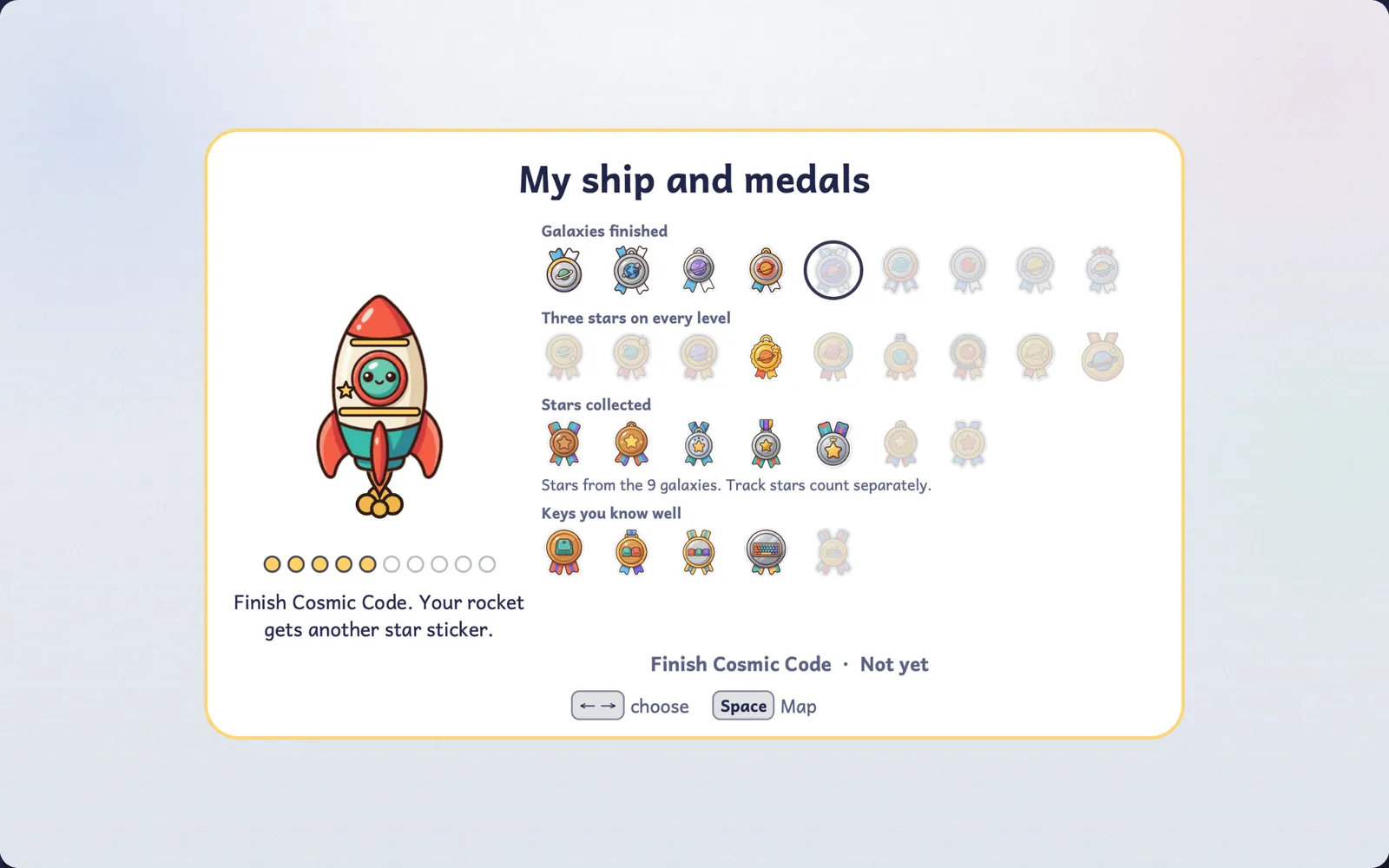
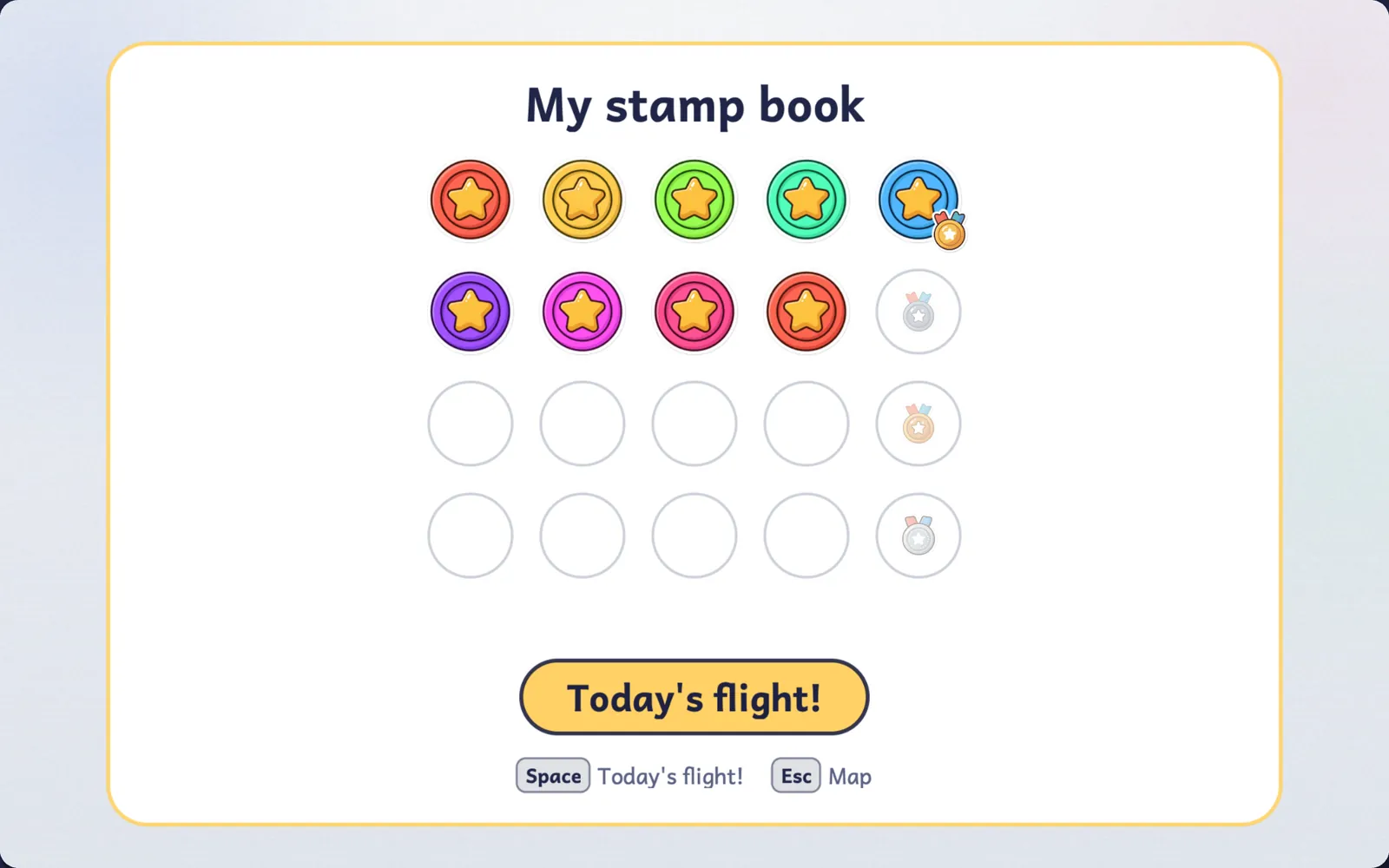
Medals, rocket parts, treasure chests that hold new colors for the ship, and certificates you can save as a picture.
Today's Flight
A short daily session on the keys that need more practice, with a stamp for each day played. Missing a day costs nothing.
Keep practicing
Endless practice adapts as your child goes. Smooth Flight, after the key course and after each track, is a fixed passage with no clock on screen: the time is shown afterwards, only at 95% accuracy or better, and compared only with your child's own best.
Screenshots
Select a screenshot to see it full size.
For parents
What the game does, and what it never does.
Progress stays on your Mac
No ads, no tracking, and no TypeMondo account or sign-in. Progress is saved on this Mac only, and the game plays offline. See the Privacy Policy.
A parents' area
Settings and the purchase are in the “For grown-ups” area, which opens after typing the answer to a simple sum. There you can read the progress report, see which keys need more practice, export the play history, adjust sound, music and voice help, and turn on calm mode for fewer effects.
Up to six children
Each child gets their own profile and their own progress on the same Mac.
Price
Free to start
The first 2 galaxies, 20 levels, are free to play. It is not a trial: there is no time limit.
The full game: one purchase
A single in-app purchase, made in the parents' area, unlocks the other 7 galaxies and all 7 language tracks. The price is shown on the Mac App Store and varies by country.
- Pay once. No subscription, no ads.
- Restore it on your other Macs with the same Apple Account.
- Supports Family Sharing.
Requires a Mac with macOS 12 or later; redeeming an offer code needs macOS 15 or later. Buying or restoring the full game needs a connection to the App Store; playing does not.